
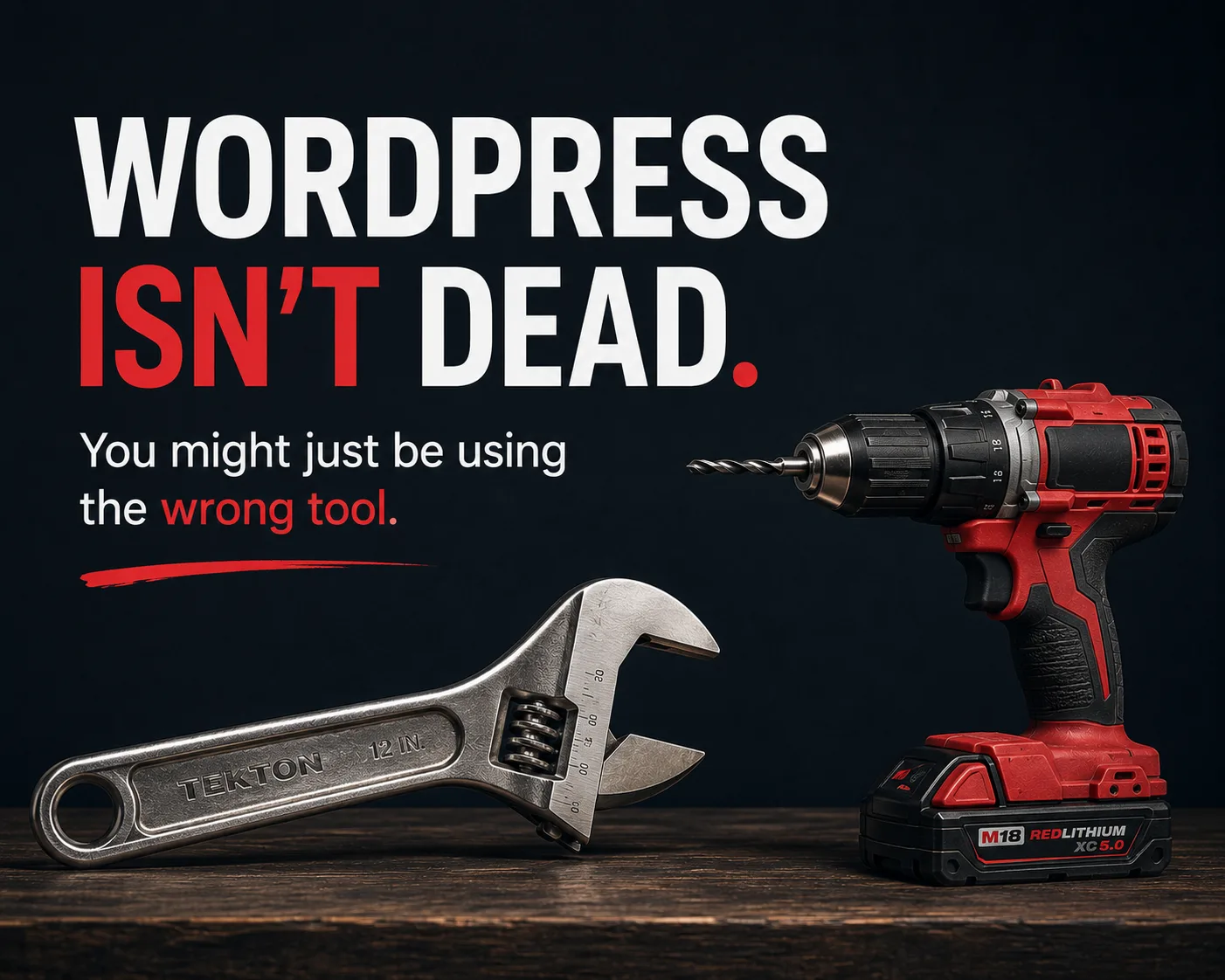
There’s a lot of noise in the digital marketing and web development spaces right now. Every few months, a new debate pops up declaring that “WordPress is dead” or claiming that every business needs to abandon traditional content management systems for modern JavaScript frameworks like React or Astro.
Having migrated hundreds of websites across nearly every framework, database architecture, and hosting setup available, here is the pragmatic reality: neither platform is strictly “better” — they solve entirely different problems.
Choosing between WordPress and a modern static framework comes down to one trade-off: Control vs. Speed.
The Technical Reality: How They Deliver Content
To understand why these architectures perform differently, you have to look at what happens behind the scenes when a visitor hits your URL.
WordPress (Dynamic)
User Request → Nginx/Apache → PHP Engine → MySQL Queries → Render HTML → User Browser

Astro / React SSG (Static Edge)
User Request → CDN Edge Server → Instant HTML Delivery
1. WordPress (Dynamic PHP + MySQL)
When a user clicks a link on a standard WordPress site, the web server executes PHP scripts, queries a MySQL database for the page content, runs the request through your active theme and installed plugins, compiles the result into HTML, and returns it to the browser.
- The advantage: total non-technical autonomy. Clients can log into an intuitive back-end dashboard, edit copy, publish blogs, manage product inventories on WooCommerce, or adjust page-builder blocks without writing a single line of code.
- The performance bottleneck: every page request incurs overhead. Even with caching plugins, CDNs, and database optimization, a typical page-builder site ends up shipping megabytes of unused JavaScript, deeply nested markup, and inline CSS.
2. Modern Frameworks: Astro & React (Static Site Generation)
Modern frameworks like Astro use Static Site Generation (SSG) or an “Islands Architecture.” During the build phase, the code compiles every page into flat, pre-rendered HTML and CSS.
- The advantage: near-instant delivery. Pages sit on global CDN edge nodes. When a visitor arrives, the server simply streams ready-made HTML — no database calls, no server-side PHP processing, and zero runtime JavaScript by default.
- The trade-off: structural flexibility requires development experience. Making sweeping layout changes or deploying new custom components requires a developer or a headless CMS connection.
Real-World Performance Impact & Case Scenarios
When evaluating site performance, benchmarks consistently highlight the structural differences between these two approaches:
| Performance Metric | Typical WordPress Setup | Modern Astro / React (SSG) | Impact on Business |
|---|---|---|---|
| Mobile PageSpeed Score | 30–60 | 95–100 | Higher Google Core Web Vitals compliance. |
| Time to First Byte (TTFB) | 500ms–2.0s | <50ms | Instant initial response time for users. |
| Payload Size (HTML/CSS/JS) | 2MB–5MB+ | 50KB–200KB | Reduced bounce rates on poor mobile networks. |
| Attack Surface | Active DB, PHP, plugins | Flat files on CDN | Near-zero risk of database injection. |
Case Scenario A: The Content-Heavy Business (WordPress Wins)
Scenario: A local service provider or e-commerce shop needs weekly blog posts, frequent landing-page updates by an in-house marketing manager, and integrated store management via WooCommerce.
Why WordPress is the right choice: Building this on a raw React or Astro stack without a headless CMS creates an operational bottleneck where simple marketing updates require developer time. With proper MU-plugins, server-level caching, and minimal plugin bloat, WordPress provides the necessary operational balance. This is exactly how we approach WordPress web design and ongoing care-plan maintenance.
Case Scenario B: The Speed & Conversion-Critical Site (Astro / React Wins)
Scenario: A high-ticket service agency or SaaS product requires sub-second load times, flawless Google Core Web Vitals for competitive organic rankings, and ironclad security with zero ongoing maintenance overhead.
Why Astro/React is the right choice: Migrating from WordPress to Astro routinely drops page load times from several seconds down to fractions of a second. Without an active database or PHP layer exposed to the internet, hosting costs drop while security vulnerabilities are virtually eliminated — the kind of build we deliver through custom web development paired with technical SEO.
Architectural Decision Framework
Before choosing or migrating platforms, run the project through this decision checklist:
                          [ What is the Primary Goal? ]
                                       |
            +--------------------------+--------------------------+
            v                                                     v
 [ In-House Self-Editing & CMS ]                    [ Maximum Speed & Security ]
            |                                                     |
            v                                                     v
    Target: WordPress                                   Target: Astro / React
  - Active editorial workflows                        - Static marketing/landing pages
  - WooCommerce integrations                          - High-competition SEO targets
  - Non-technical content teams                       - Zero-maintenance infrastructures
What This Looks Like Across the Memphis Metro
We build for clients nationwide, but our home market — Memphis and its surrounding suburbs — is where we watch these trade-offs play out every week. A few patterns worth sharing:
- Collierville & Germantown: Higher-end service firms and boutique retailers here win or lose on how polished and fast the site feels on a phone. For these businesses the speed-and-Core-Web-Vitals case for a static Astro/React build is often the right call — the audience expects premium, and Google rewards the performance.
- Memphis proper: A huge mix — restaurants, trades, professional services, nonprofits — most of them publishing and editing constantly (menus, promos, events). That’s exactly where WordPress’ in-house editing wins.
- Cordova, Bartlett & the outer suburbs: Middle-market, heavily mobile-driven businesses. The deciding factor is usually whether someone in-house manages content: if yes, WordPress; if it’s set-and-forget marketing pages, a static build.
From Collierville to downtown Memphis, the lesson is the same: match the architecture to how the business actually operates — not to whatever’s trending.
Summary: Match the Tool to the Objective
Enterprise leaders like Walmart and Home Depot don’t rely on off-the-shelf monolithic content systems for their core storefronts, because speed and reliability at scale require decoupled architectures.
For small and mid-sized businesses, the rule of thumb remains simple:
- Use WordPress when editorial freedom, internal content management, and plug-and-play e-commerce take priority.
- Use Astro or React when speed, technical SEO execution, ironclad security, and conversion-rate optimization are the primary drivers of growth.
Stop forcing every digital asset into the same framework. Analyze the operational requirement first, then build the architecture to match.
Not sure which architecture fits your business?
We’ve migrated hundreds of sites across both worlds — and we’ll tell you honestly which one your goals actually call for.